
Windows
FocusRing
A beautifully simple Pomodoro timer for Windows.

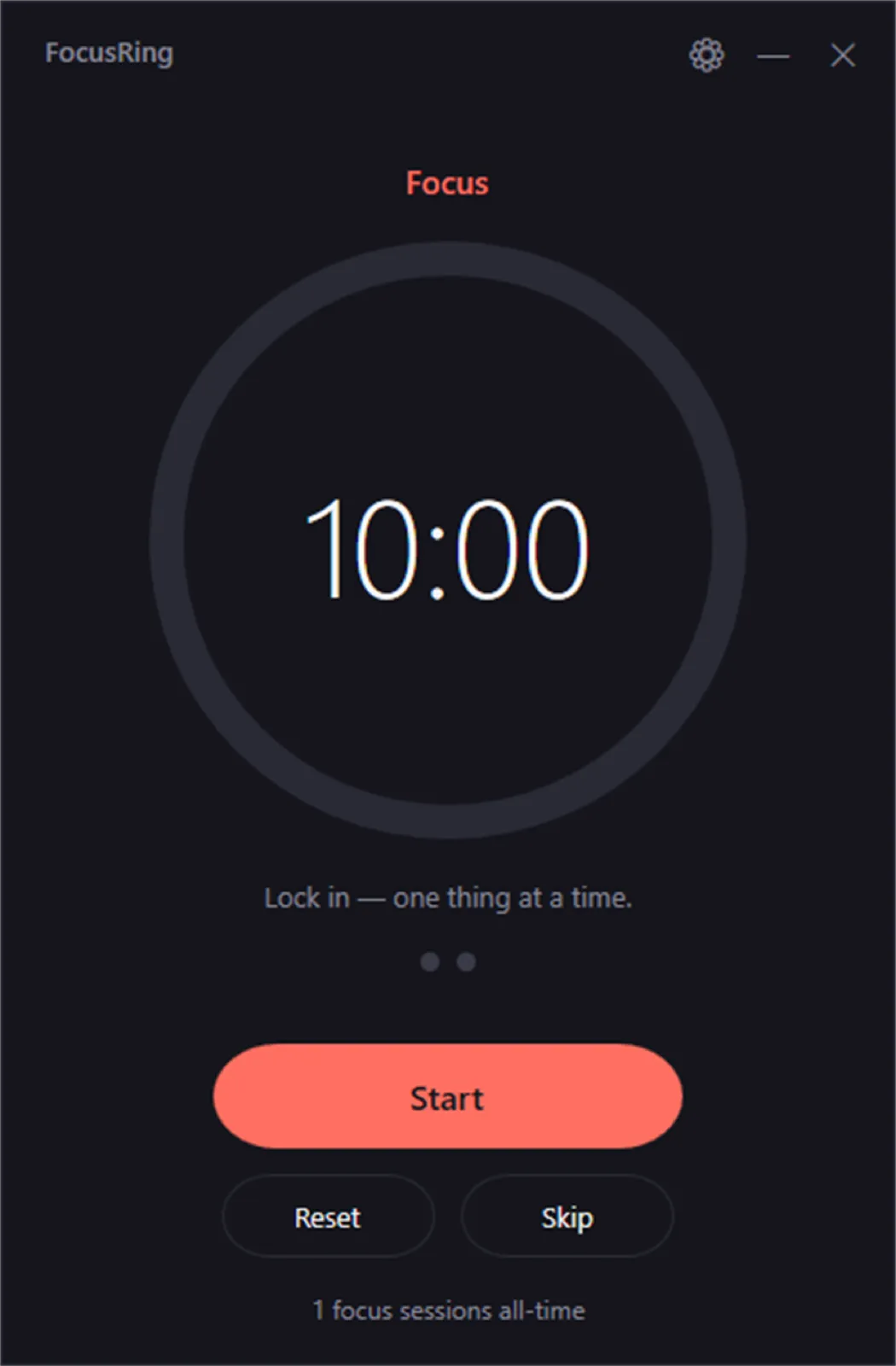
I built FocusRing as a calm Pomodoro timer that does one thing well and then gets out of your way.
FocusRing is my take on the Pomodoro technique stripped down to its essentials. I have used plenty of focus timers, and the recurring problem is that the timer itself becomes another busy, attention-hungry app. I wanted something that disappears once it is doing its job.
So the whole design is one calm screen: a large ring, a large number, and a quiet rhythm that moves you from focus into short breaks and eventually a longer one. The settings let you shape that rhythm, but the defaults are meant to just work.
It is also my first app in the Microsoft Store, which made it a fun complement to the iPhone apps and web projects in the rest of my portfolio. It is completely offline, shows no ads, and collects no data: just you and the next 25 minutes.
What it does
- 1
Set your focus and break lengths and watch a clean ring count down each session.
- 2
Flow automatically from focus into short breaks, and into a longer break after a few rounds.
- 3
Choose how many sessions lead to a long break and auto-start the next phase if you want.
- 4
Toggle a gentle chime when time is up and switch between light and dark themes.
- 5
Keep a lifetime focus count for a little motivation, with everything stored locally.
Who it's for
Anyone who works at a Windows PC and wants a quiet, no-friction way to focus in short bursts and remember to take breaks.
How it's built
I built FocusRing as a native Windows app distributed through the Microsoft Store. It is fully offline, collects no data, and is designed around a single calm screen with light and dark themes built in.
Why it matters
Most productivity timers pile on features, accounts, and upsells until the tool itself becomes a distraction. FocusRing is deliberately the opposite: one big ring, one big number, and a gentle rhythm of focus and rest.
More apps


